Skip to content
CAPTURE betaOpen Capture

Everything Capture does.

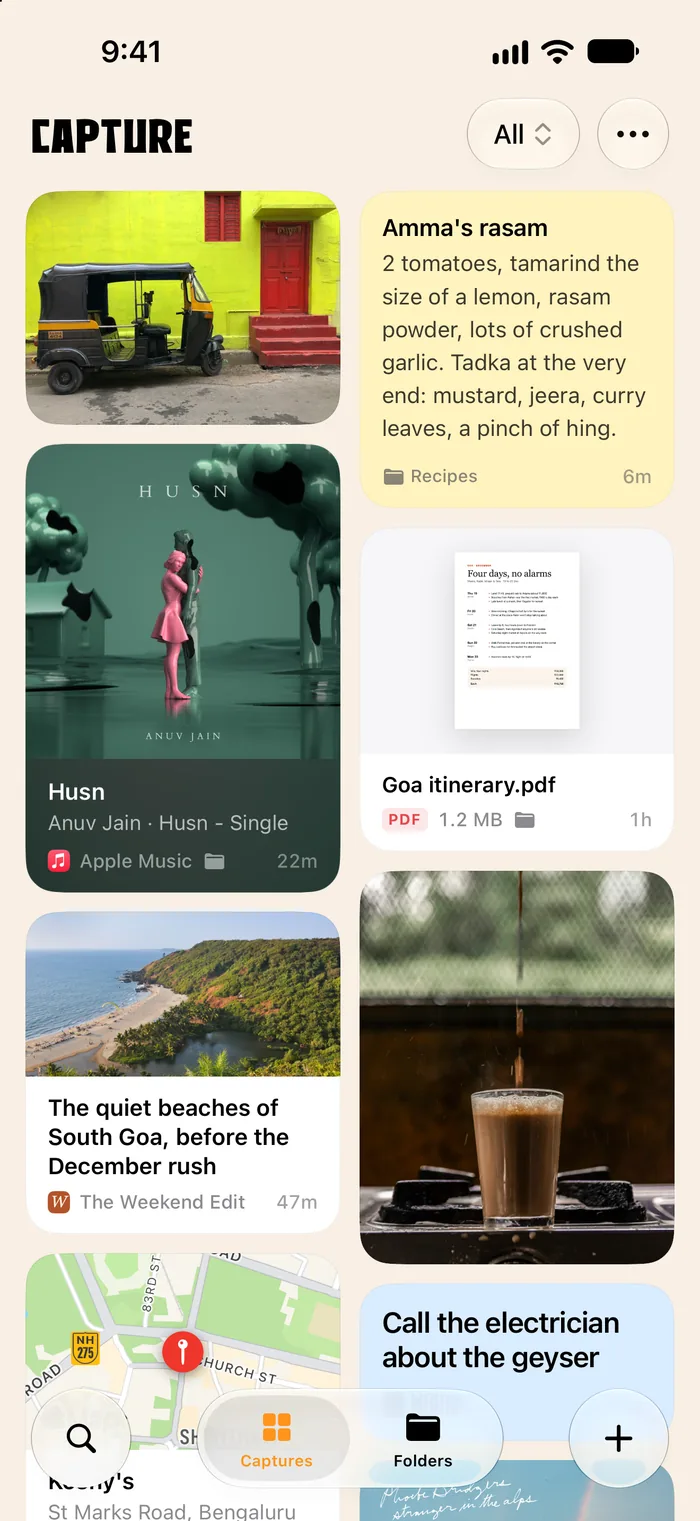
Save anything in a second, from any app. See it as what it is. Find it again on any device.

Saving takes one tap, whatever app you’re in.

Save a link to a reel, and a reel is what you get back.

Capture looks at what you give it and shows it the way it should look. There’s nothing to set up.

  • Posts on X show who said it and what.
  • Instagram reels and posts show their picture.
  • Husn

    Anuv Jain · Husn - Single

    Apple Music
    Songs from Spotify and Apple Music show their cover.
  • Articles show their picture, title and site.
  • © OpenStreetMap

    Chapora Fort

    Vagator, Goa

    Place
    Addresses open on a map.
  • YouTube videos show the video’s picture.
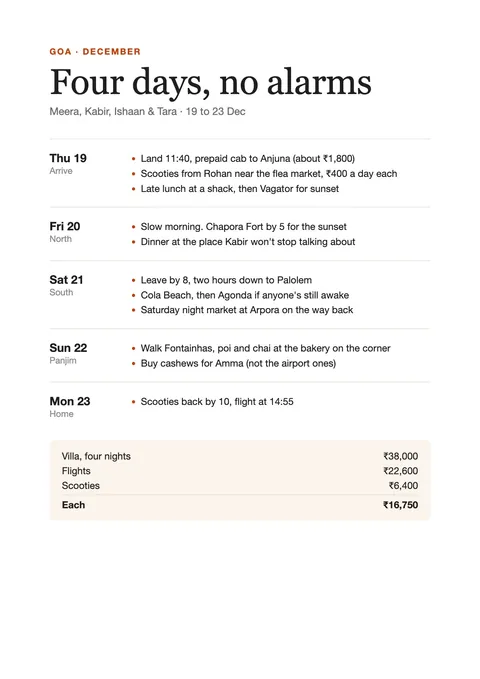
  • Goa itinerary

    PDF1.2 MB
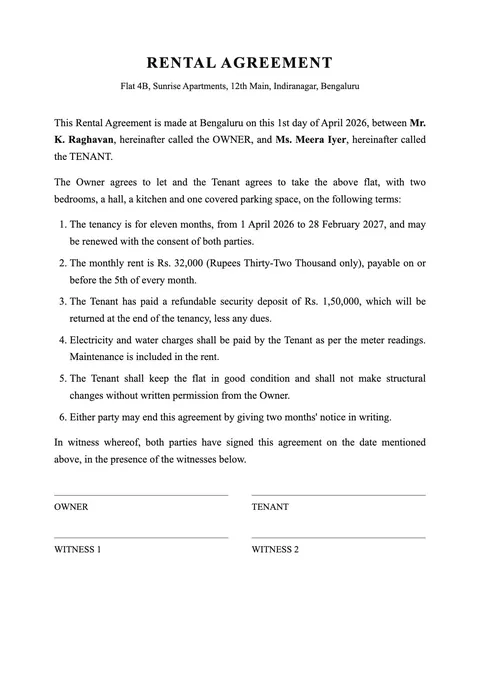
    PDFs show their first page.
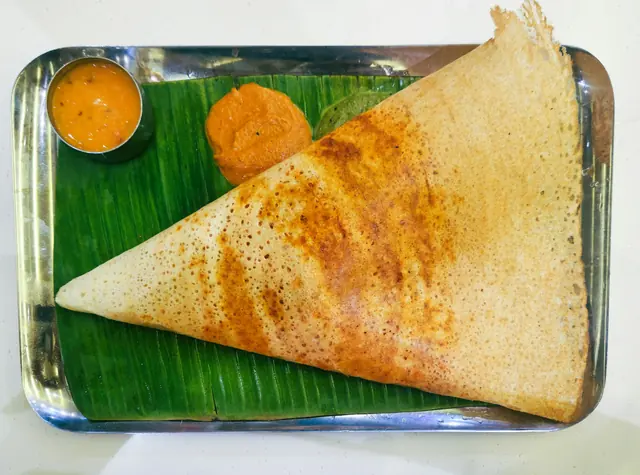
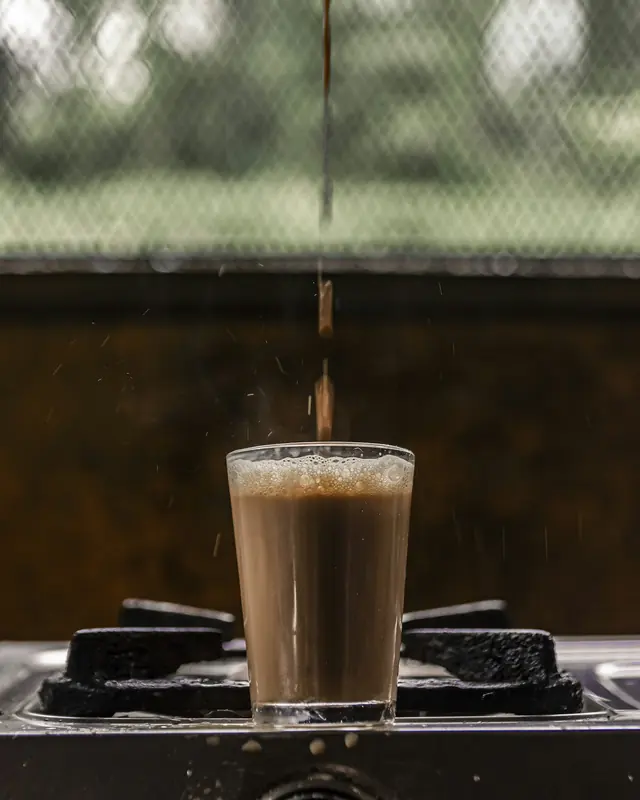
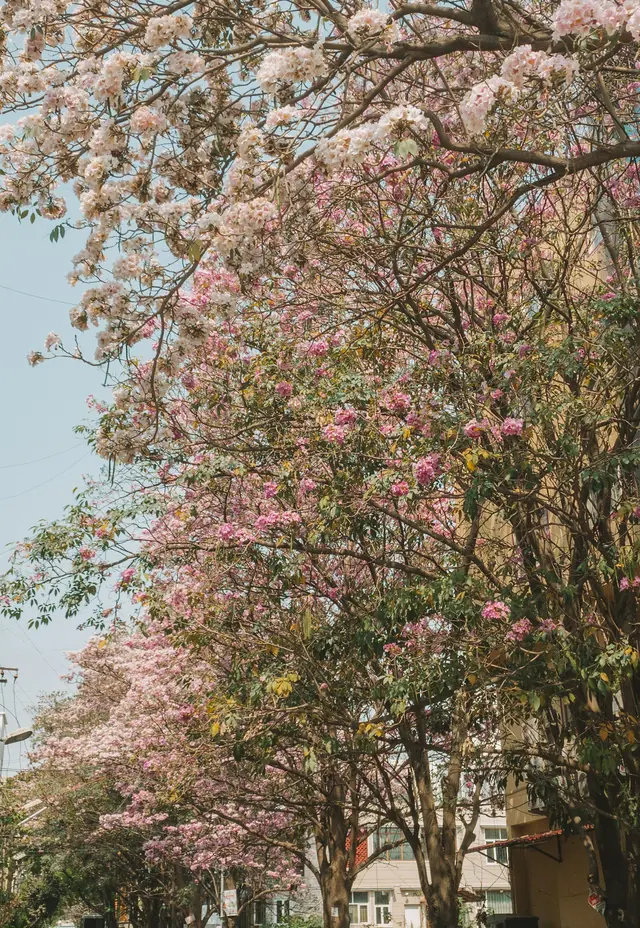
  • Photos fill the card, edge to edge.
  • Amma's rasam

    2 tomatoes, tamarind the size of a lemon, rasam powder, lots of crushed garlic. Tadka at the very end: mustard, jeera, curry leaves, a pinch of hing.

    Notes, in six colours or your own.
  • def split(total, people, tip=0.1):
        each = total * (1 + tip) / len(people)
        return {p: round(each) for p in people}
    
    split(4860, ["Meera", "Kabir", "Ishaan", "Tara"])
    Python · 5 lines
    Code is coloured by its language.
  • 0:48

    Voice memo

    Audio
    Voice memos play right there.
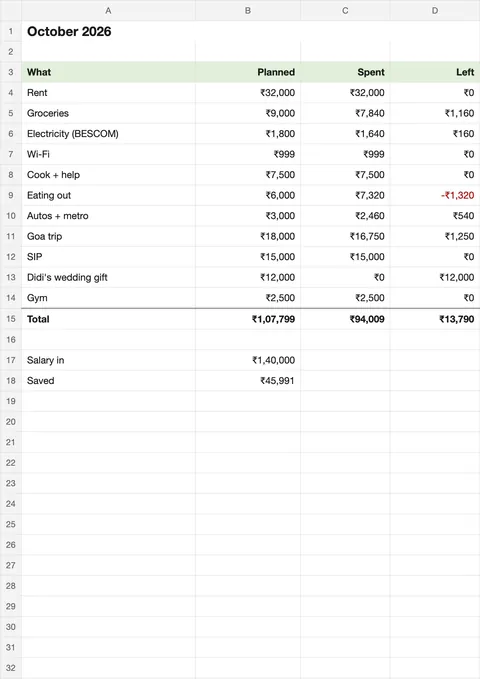
  • Budget October

    XLSX48 KB
    Documents and spreadsheets show a preview.
  • Pages without a picture show what they’re about.

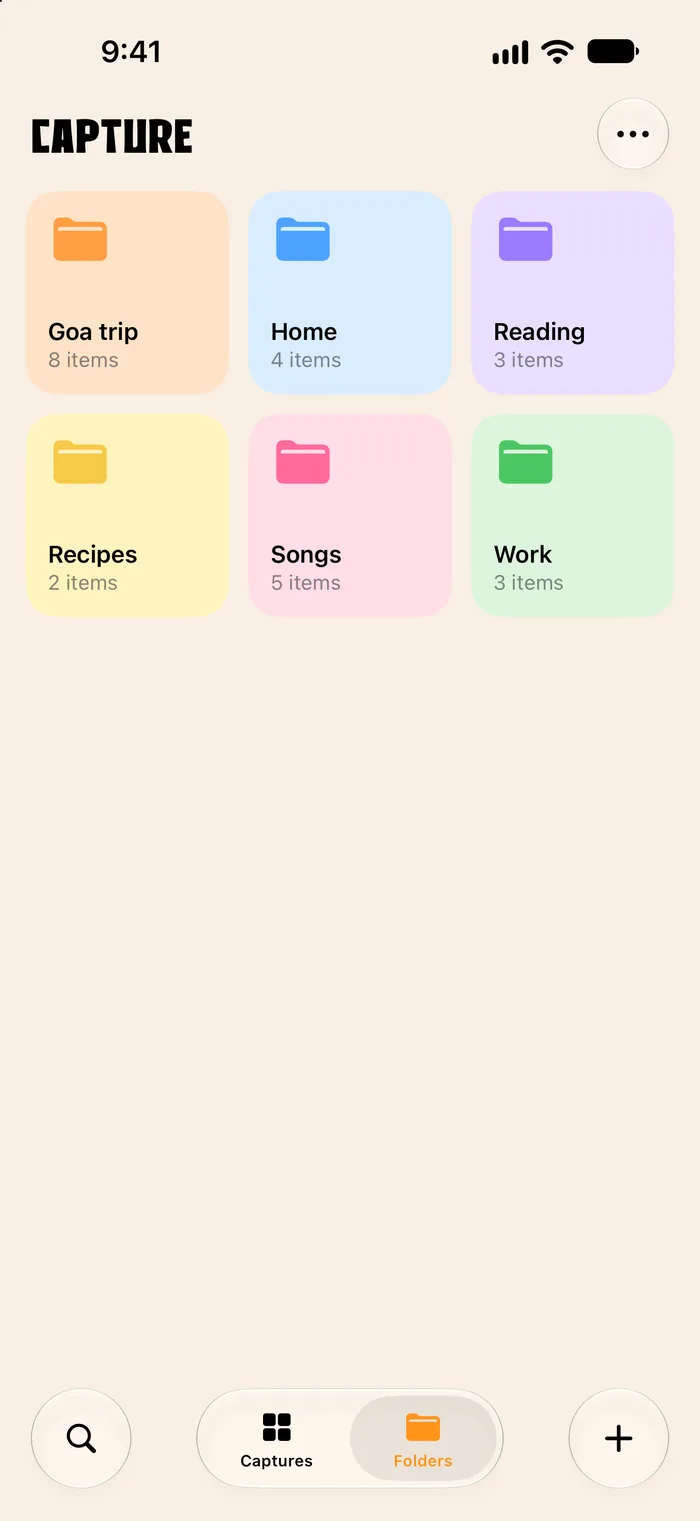
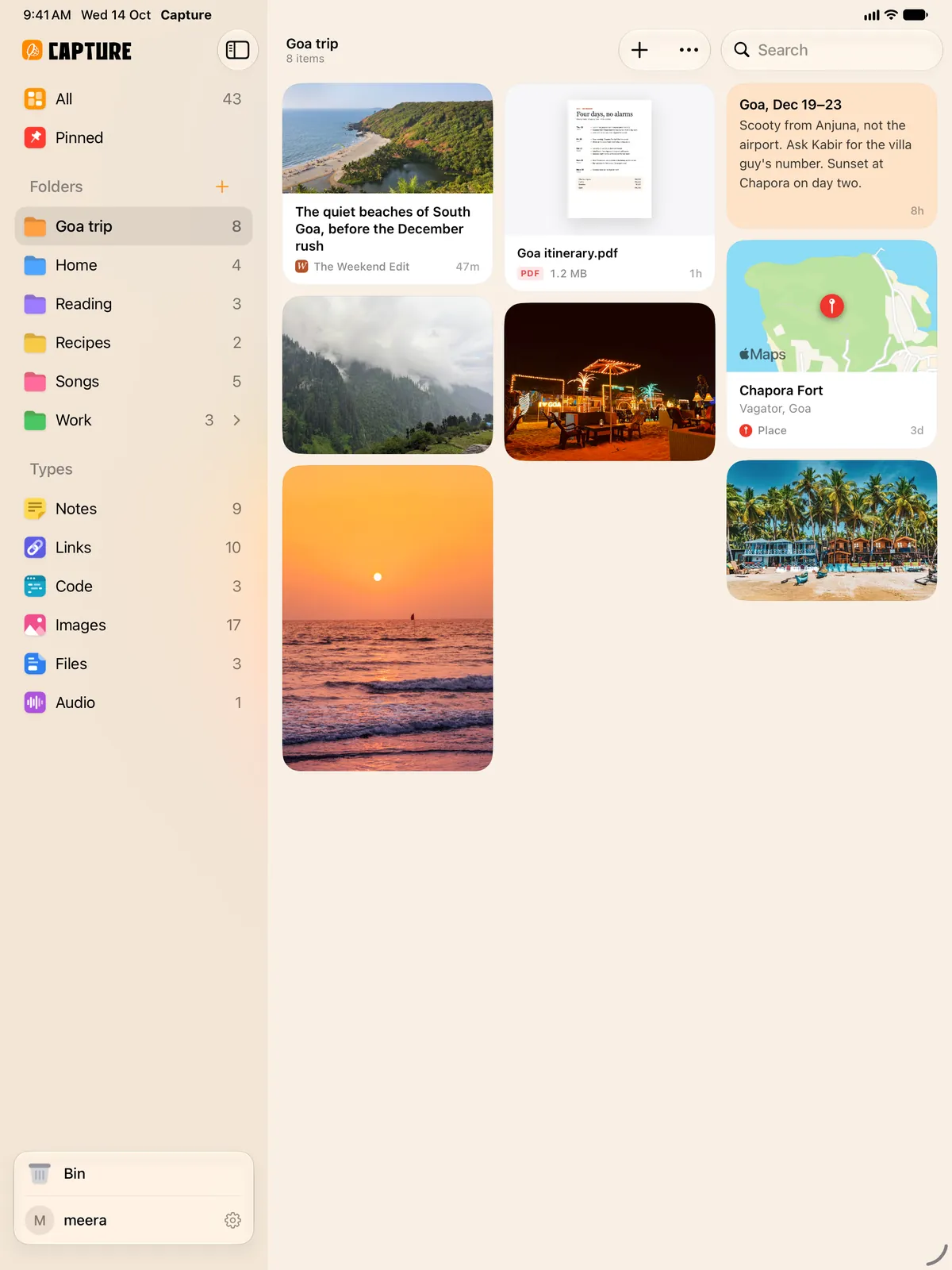
Folders, if you want them. Or none at all.

  • Make as many as you like. Put folders inside folders, and give each a colour.
  • File as you save. The share sheet lets you pick a folder before it goes in.
  • Or don’t bother. Everything is in All, newest first, and search finds the rest.
  • Pin what matters. Pinned things wait in their own place.

Share a folder, or just one thing. Nobody needs to sign up to look.

Shared folders

Invite friends with a link or a code. Let them add things too, and everything they add shows up for everyone. Stop sharing whenever you like.

Share codes

Get a six-character code for anything you’ve saved. Your friend types it at usecapture.in and sees it. The code stops working after five minutes.

Your phone, your laptop, the library’s computer. The same things on all of them.

  • Synced in a second. Save on your phone and it’s on your laptop before you’ve put the phone down.
  • Works offline. Save without internet. It goes up by itself when you’re back online.
  • Sign in with a QR code. Scan it with your phone and the browser is signed in. No password to type.
  • Sign out from anywhere. Left Capture open on someone’s laptop? Sign it out from your phone, in Settings › Devices.

Go on, save something.

It’s free to start. On the web today, and on iPhone, iPad and Mac in public beta.