
















Saving
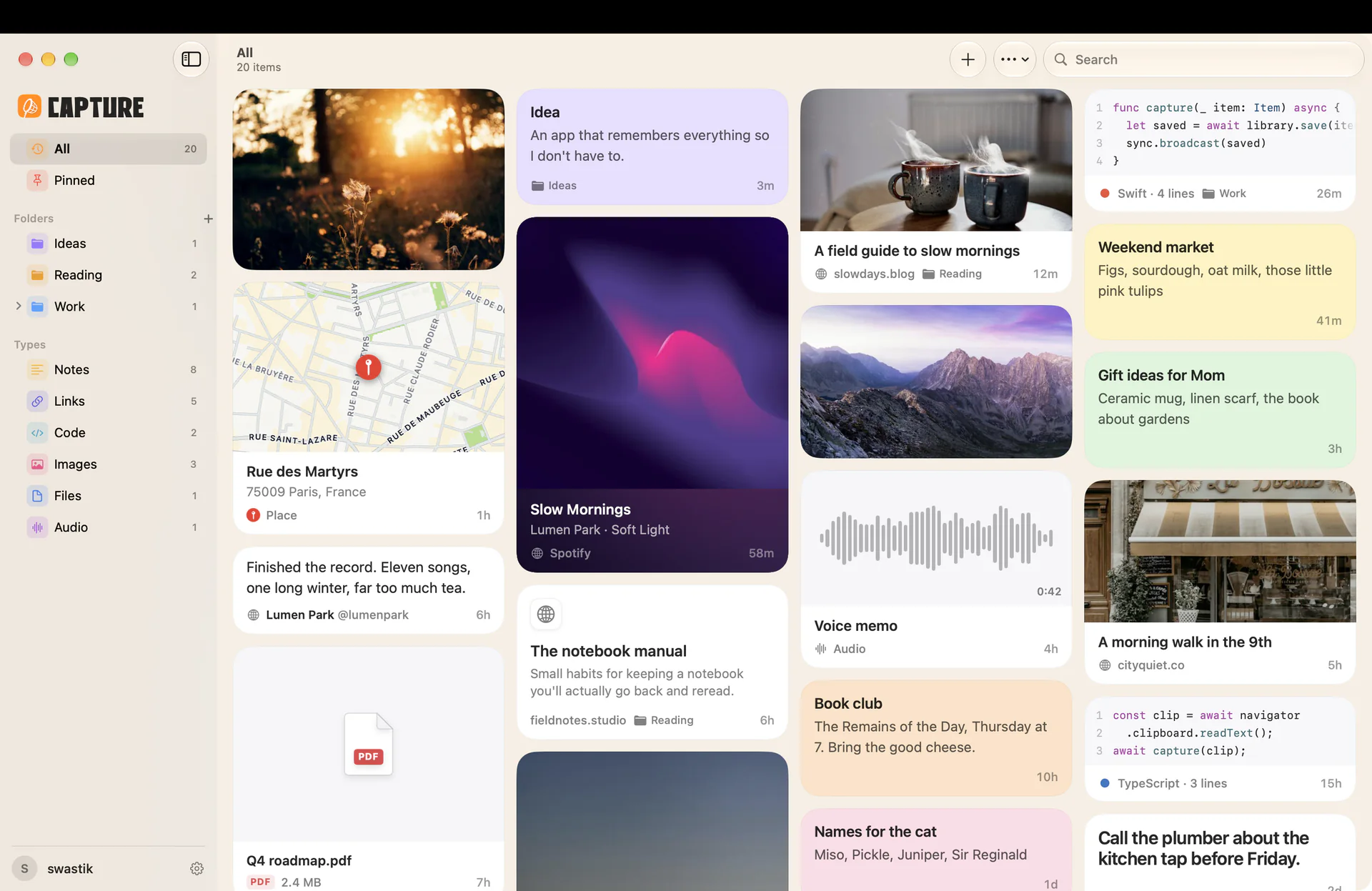
Saving something takes a second.
No title to type, no folder to pick, no form to fill in. Just put it in. Organise it later, or never.
Paste. Copy something and paste it anywhere in Capture. On iPhone, Capture notices what you just copied and offers to save it.
Drop. Drag anything onto the app, or onto the Capture icon in your Mac’s menu bar. You don’t even have to open it.
Share. Tap Share in any app on iPhone, iPad or Mac, then pick Capture.
Ask. Tell Siri “Save my clipboard to Capture.” It works in Shortcuts too.